

Related products
Specifications
| Mənşə | Shenzhen |
| İdxal olunub yoxsa yox | No |
| Sifariş nömrəsi | AE1801 |
| Fərdi emal | No |
| Məhsul № | AE1801 |
| Növ | Avtomobil nasazlıq detektoru |
| Diaqnostika Sistemi | Avtomobil |
| Enerji təchizatı gərginliyi | 12 |
| İşləmə temperaturu | 40 |
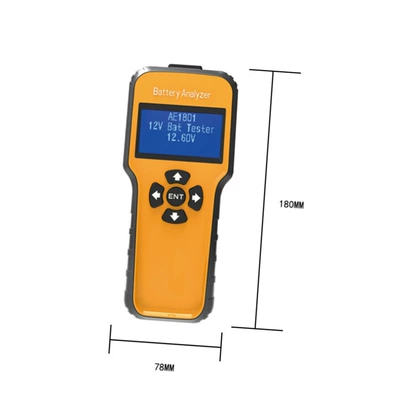
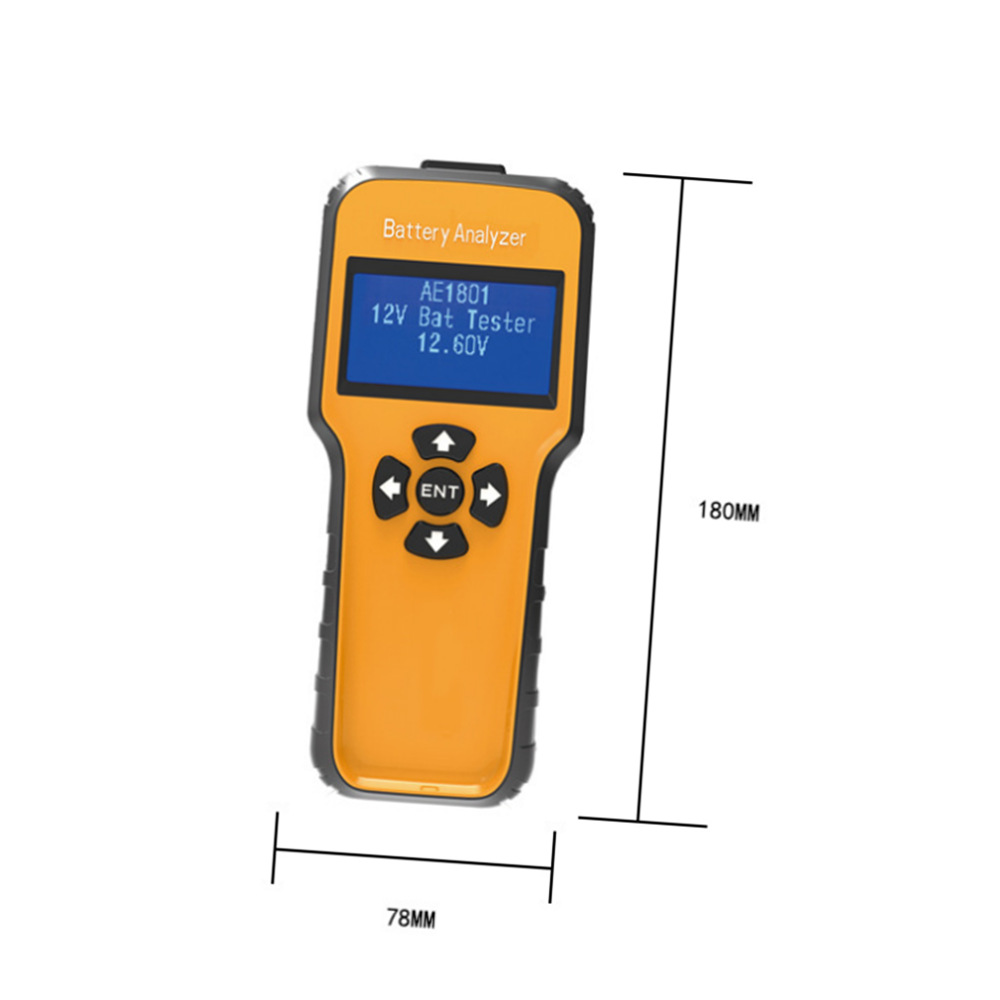
| Ölçü | 78*35 * 180MM |
| Brend | no |
| Model | AE1801 |
| Əsas aşağı axın platformaları | wish |
| Əsas aşağı axın platformaları | Amazon |
| Əsas aşağı axın platformaları | AliExpress |
| Əsas aşağı axın platformaları | Müstəqil stansiya |
| Əsas aşağı axın platformaları | LAZADA |
| Əsas aşağı axın platformaları | ebay |
| Əsas satış sahələri | Cənub-Şərqi Asiya |
| Əsas satış sahələri | Şimal-Şərqi Asiya |
| Əsas satış sahələri | Avropa |
| Əsas satış sahələri | Yaxın Şərq |
| Əsas satış sahələri | Afrika |
| Əsas satış sahələri | Şimali Amerika |
| Əsas satış sahələri | Cənubi Amerika |
| Səlahiyyətli özəl brendlər var | Bəli |
| Sərhədlərarası ixrac üçün eksklüziv olaraq mövcuddurmu | Bəli |
Description
汽车12V蓄电池检测分析 蓄电池故障诊断仪 汽车电子检 AE1801
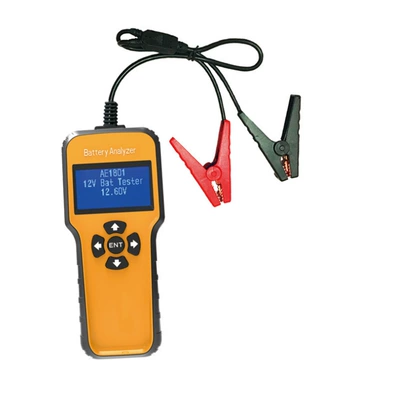
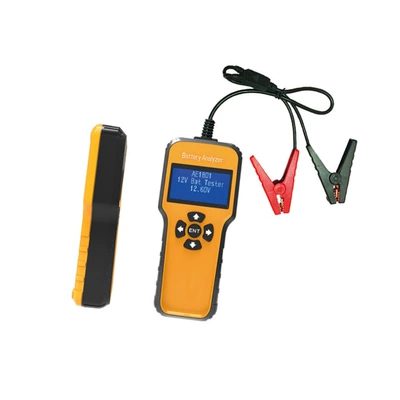
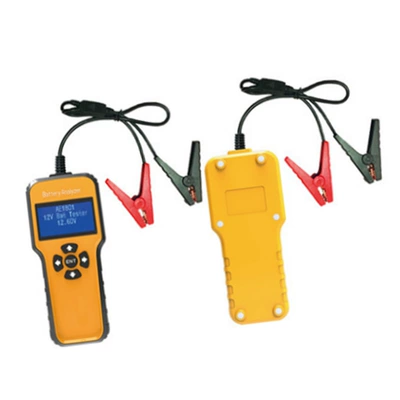
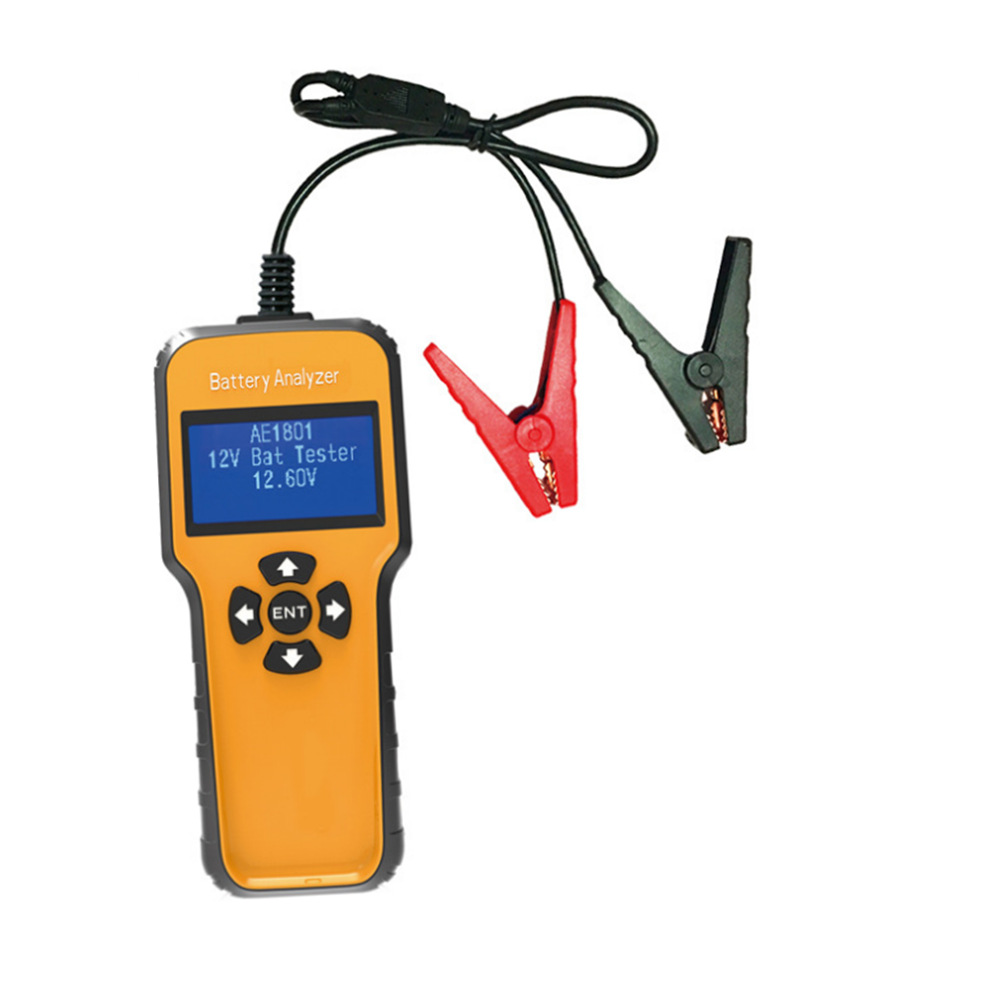
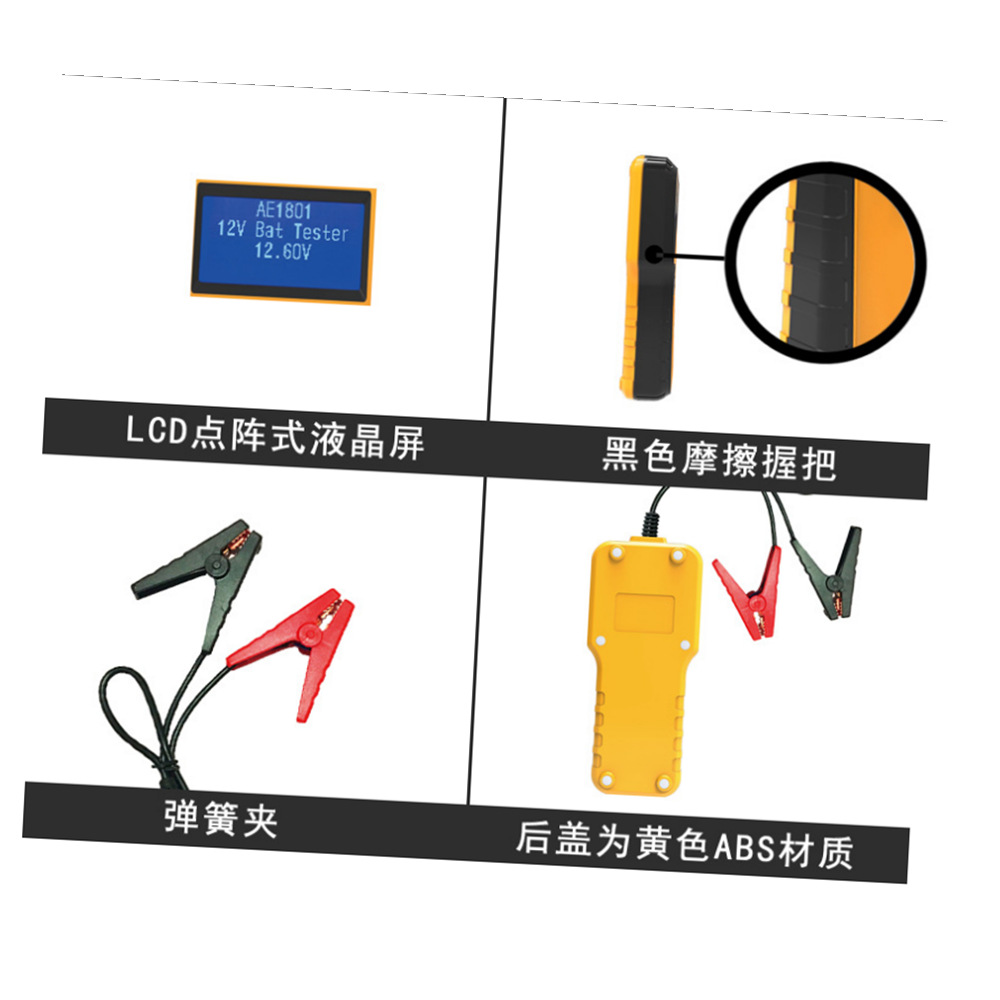
Vehicle Battery Tester AE1801 Automotive 12V Vehicle Car Auto Battery Tester Analyzer 100-1700CCA 200AH
AE1801 Instruction Guide
Description :
Product Features:
Application range: 12V starter batteries;
Analyze battery by 4 accurate indexes: Voltage, Resistance, CCA Value,Battery Condition;
Cranking test displays the decision on the starter system, cranking voltage, and cranking time in milliseconds;
Charging system test;
Default language:English & Chinese.
Working scope:
Working temperature: 0 ℃ to 50 ℃
Measurement standard:
CCA: 100-1700
CA:100-1700
BCI: 100-1700
MCA:100-1700
SAE: 100-1700
GB:30-200Ah
JIS: 26A17-245H52
IEC 100-1000
EN: 100-1700
DIN: 100-1000
Measuring voltage range: 6V-18V
Functional Indication:
Clamp connection:
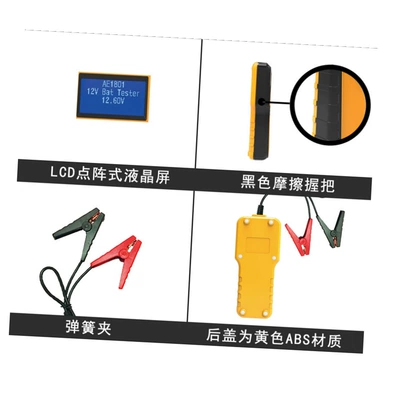
To ensure the secure connection, get the red clip clamped on the anode(+) pole and get the black clip on the cathode(-) pole of 12V battery. Then the device automatically enters into starting-up screen which shows item name "AE1801", description "12V Bat Tester" & current voltage. If the connection is not good, the screen shows" Check clamps".
Test Function selection:
In status of excellent connection with clamps, press the "ENT" button in starting-up screen to enter TEST FUNC SELECT index, which shows "BAT TEST", "CRANKING TEST", "CHARGING TEST" and "LANGUAGE" setting. Switching to different function screen by pressing button “↑” and “↓”, the
page shows at the lower right corner during the process. . Press button “←” to exit to starting-up screen.
Note: If the connection is not good , pressing "ENT" button in starting-up screen would not enter TEST FUNC SELECT screen.
Battery test function:
Switch to "BAT TEST" Function in TEST FUNC SELECT screen; Press "ENT" button to enter "BAT TEST" input screen. By pressing button “←” & “→” to move the cursor position, and by pressing button “↑” & “↓” to set input value. For battery input value, please refer to measurement standard range to get accurate results. After confirming input value, press "ENT" button to start the test and enter battery test output screen. In battery test output screen, you can repeat the test measurements by pressing "ENT" button to get results quickly. Press button “←” would back to TEST FUNC SELECT screen. Battery test result would show "GOOD" "WARNING" or "REPLACE" for reference. If battery voltage is too high or too low which would extremely affect the test result, in that case,"VOLT TOO HIGH" or "VOLT TOO LOW" would be displayed on the screen.
Note 1: The device can not exit to the TEST FUNC SELECT screen, by pressing button“←” on "BAT TEST" input screen.
Note 2: When JIS Standard Input is needed, please refer to JIS-CCA Comparison Index to set CCA value.
Note 3: The device would keep last "BAT TEST "input value as default.
Cranking test Function:
Switch to the CRANKING TEST function in TEST FUNC SELECT screen and press "ENT" button to enter CRANKING TEST screen. START ENGINE shows on the screen to suggest user to start engine to move forward. After started engine, it will automatically enter CRANKING TEST output screen, displays starting voltage and starting time in milliseconds, and shows "GOOD" or"WARNING" for reference. Press button “←” to back to TEST FUNC SELECT screen.
Charging test function:
Switch to CHARGING TEST function in TEST FUNC SELECT screen and press "ENT" button to enter charging idle voltage screen, the screen shows"Increase RPM to 2500. Close all loads. Then press ENTER." It indicates to increase engine loads. Then press ENTER." It indicates to increase engine button to enter into charging idle voltage output screen.
Charging idle voltage output screen shows current charging voltage , and respectively shows "HIGH", "NORMAL" or "LOW" voltage for reference. In this screen, press "ENT" button to enter charging load voltage screen. The screen shows “Increase RPM to 2500. Start all loads. Then press ENTER”. It indicates to increase engine speed up to 2500RPM, turn on all loads, and then press "ENT" button to enter charging load voltage output screen.
The Charging Load Voltage Output screen shows current charging voltage, and "NORMAL" or "LOW"voltage for reference.
Note: Pressing button “←” in above-mentioned screen to exit to TEST FUNC SELECT .
Language setting functions:
Switch to LANGUAGE setting function in TEST FUNC SELECT screen, press "ENT" button to enter language setting. Switch English or Chinese languages by pressing button “↑” or “↓”. Pressing button "ENT" or “←” to select the desired language and back to TEST FUNC SELECT screen.
packlist :
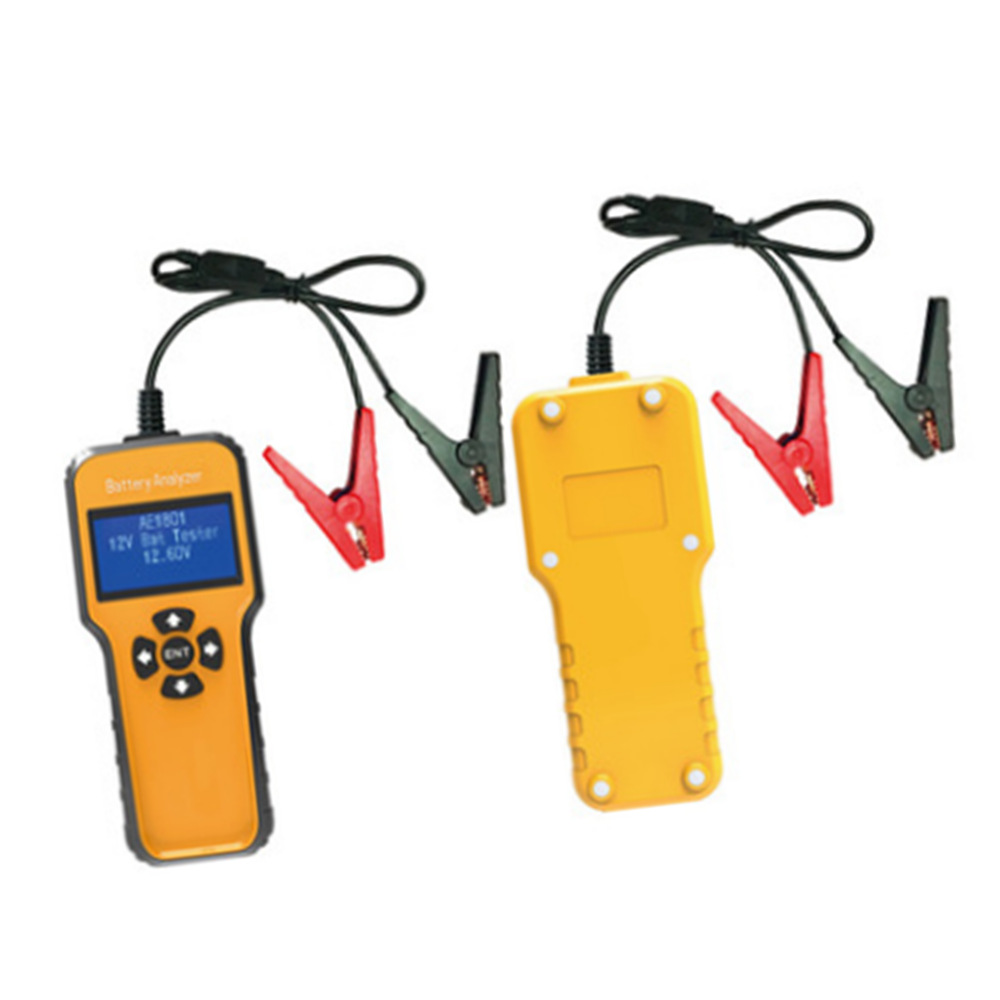
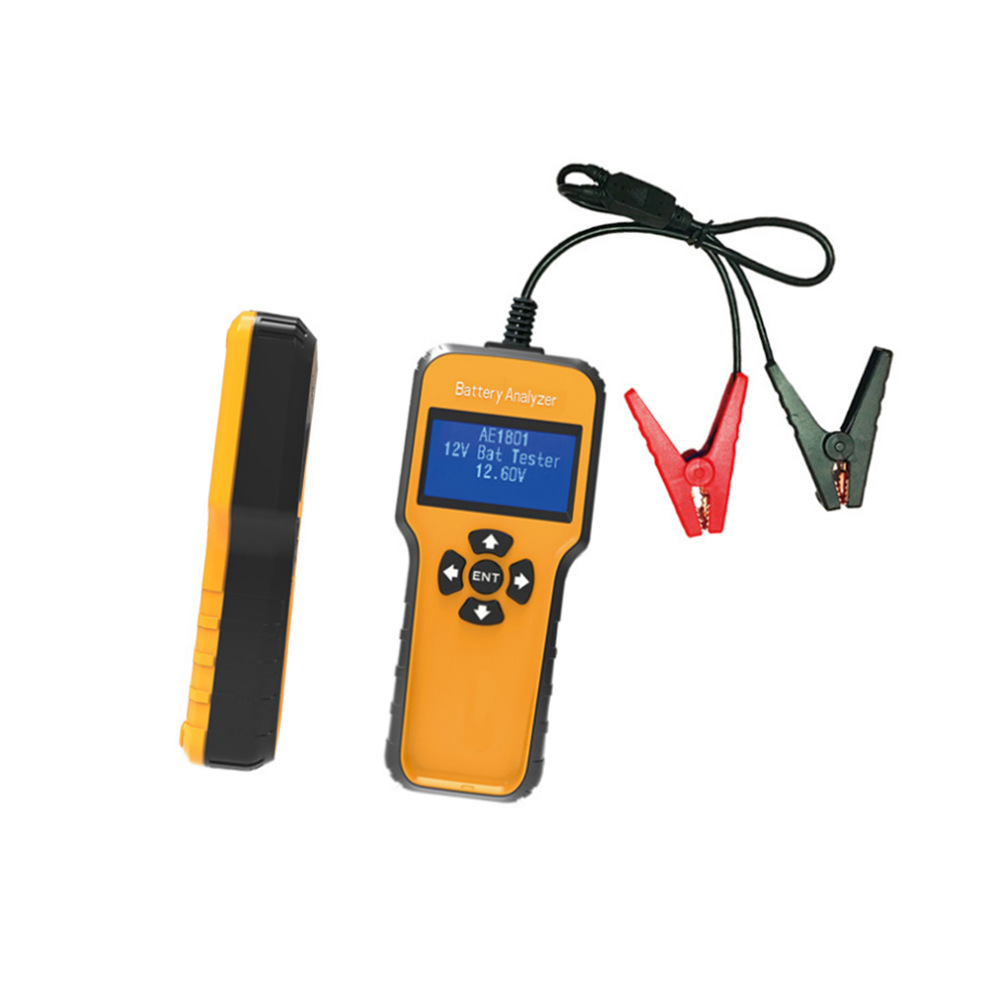
1pcs Battery Tester AE1801
Reviews & Ratings
0
out of 5.0
(0
Reviews)
There have been no reviews for this product yet.
Related products


