| İdxal olunub: Bəli/Xeyr | No |
| Emal və fərdiləşdirmə | Bəli |
| Məhsul kodu | Xtyaer 141 |
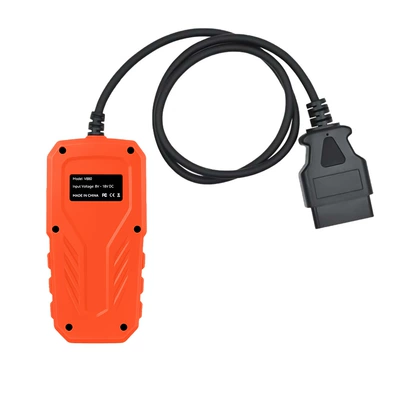
| Növ | Mühərrik nasazlığının diaqnostika aləti |
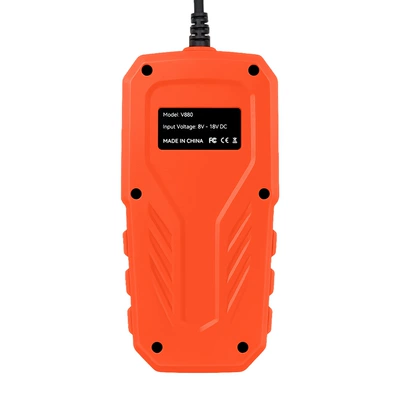
| Enerji təchizatı gərginliyi | 12 |
| İşləmə temperaturu | 0–60 |
| Brend | Neytral |
| Model | V–880 |
| Əsas aşağı axın platformaları | Ebay |
| Əsas aşağı axın platformaları | Amazon |
| Əsas aşağı axın platformaları | Wish |
| Əsas aşağı axın platformaları | AliExpress |
| Əsas aşağı axın platformaları | Müstəqil mağaza |
| Əsas aşağı axın platformaları | Lazada |
| Əsas satış sahəsi | Afrika |
| Əsas satış sahəsi | Avropa |
| Əsas satış sahəsi | Cənubi Amerika |
| Əsas satış sahəsi | Cənub-Şərqi Asiya |
| Əsas satış sahəsi | Şimali Amerika |
| Əsas satış sahəsi | Şimal-Şərqi Asiya |
| Əsas satış sahəsi | Yaxın Şərq |
| Sərhədlərarası ixrac üçün xüsusi təchizat mənbəyidirmi? | Bəli |
Product Description:
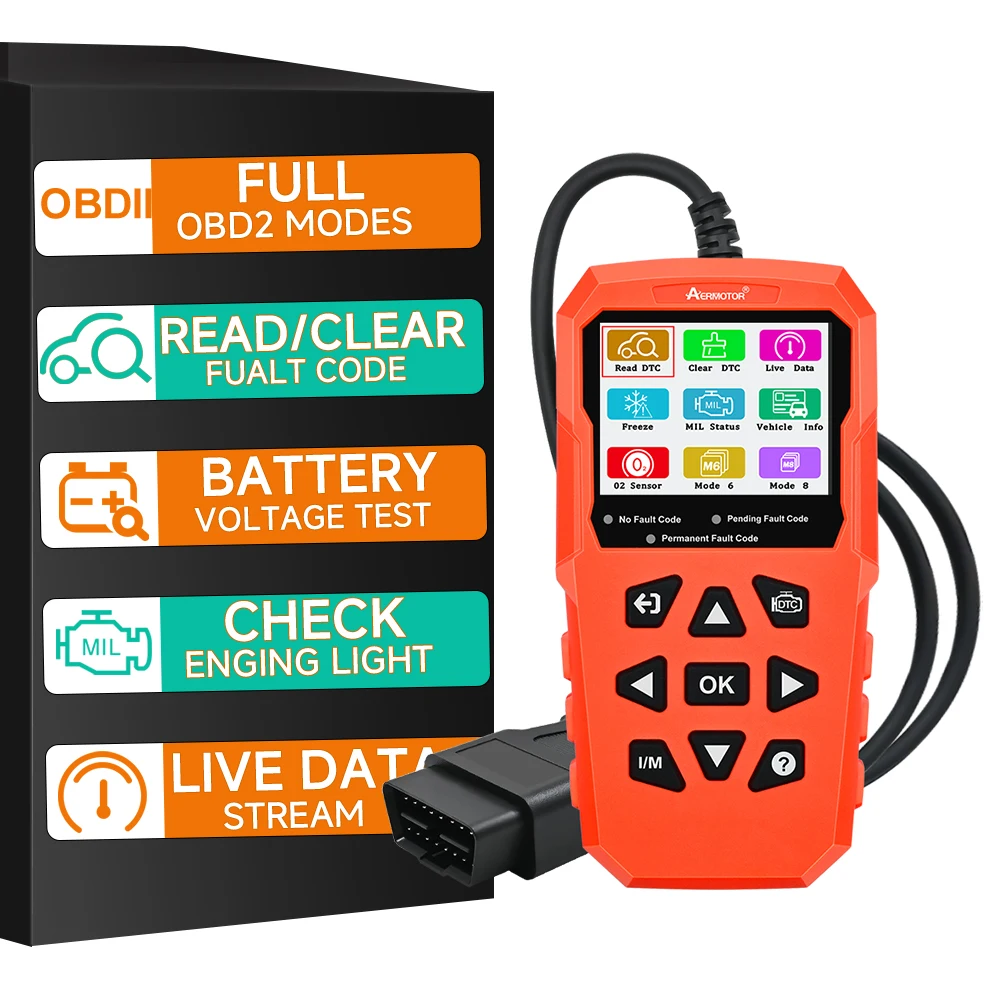
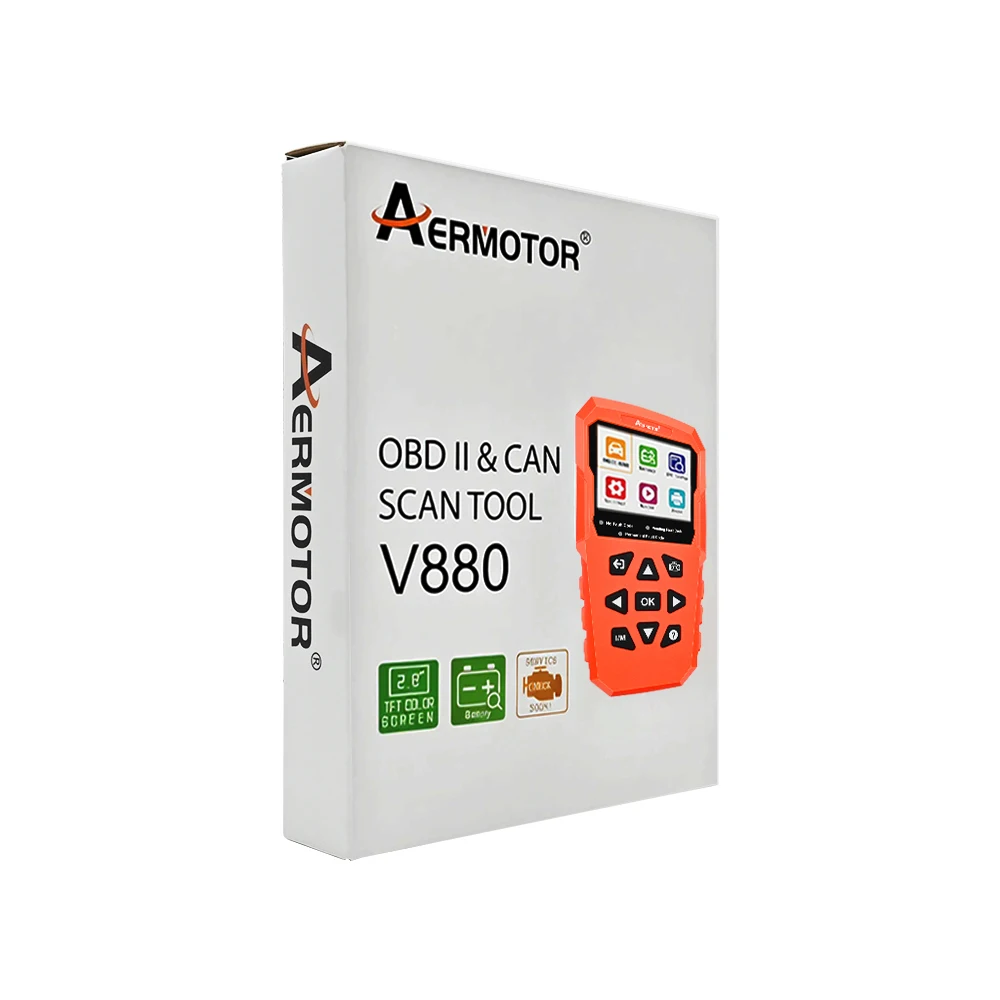
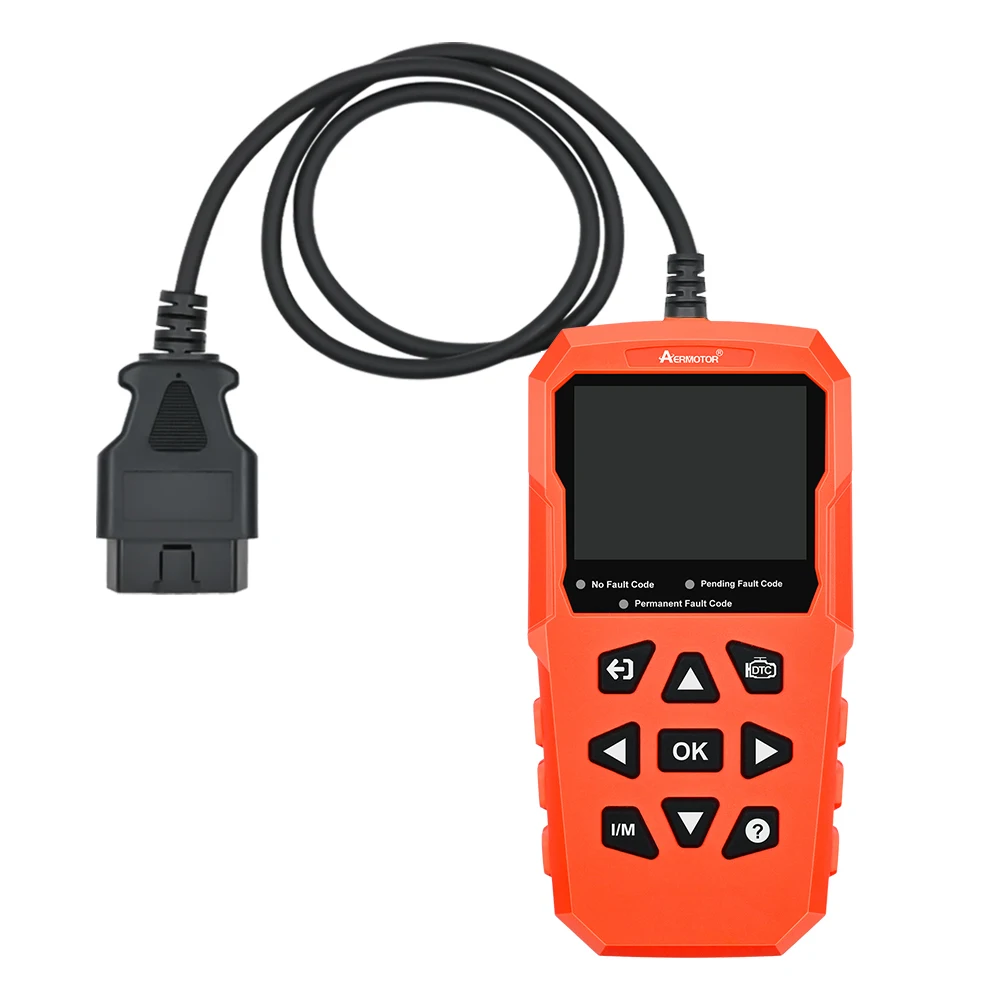
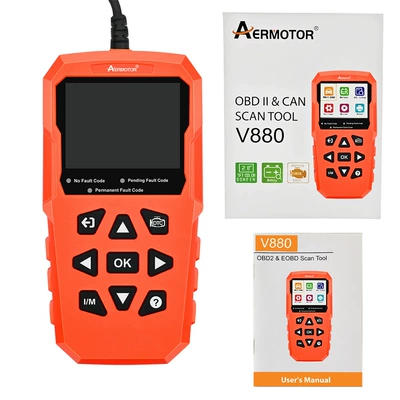
Aermotor V880 is easy to carry, simple to operate, fast in diagnosis, large in memory,
comprehensive in code base, powerful in performance and novel in design.
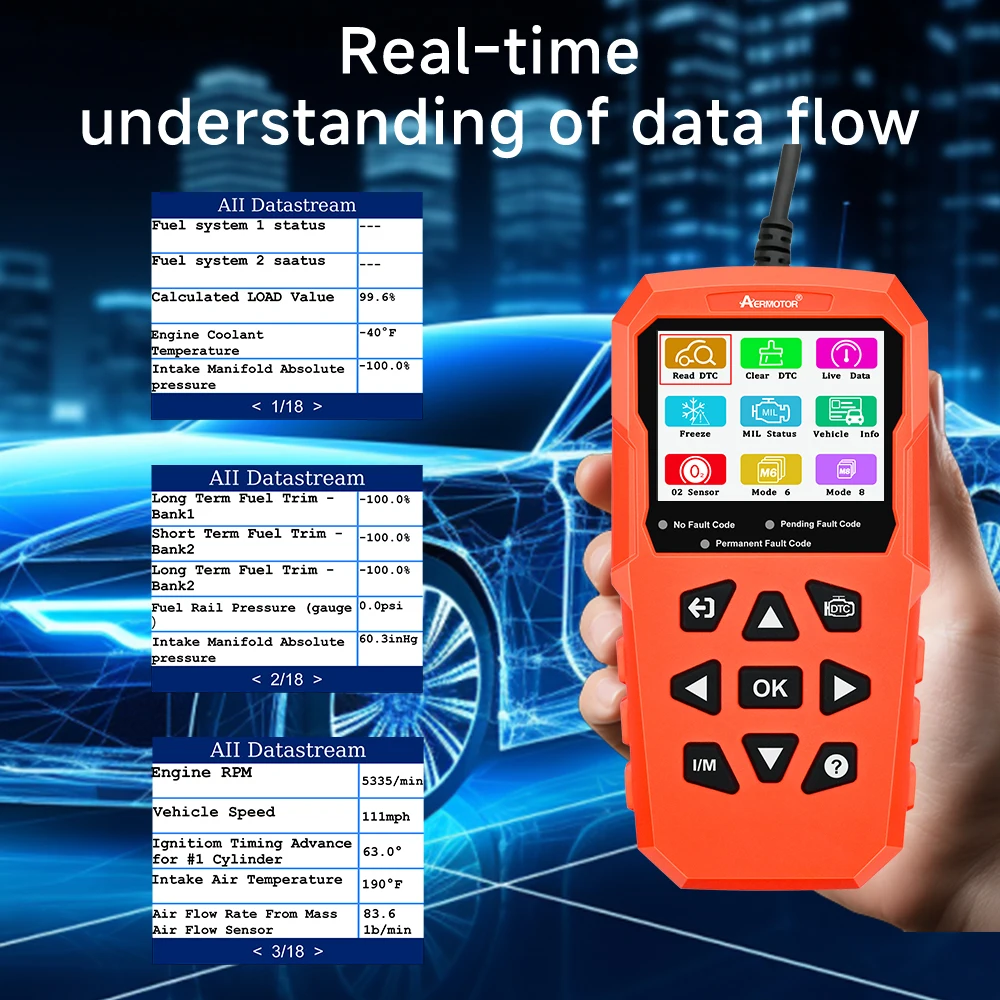
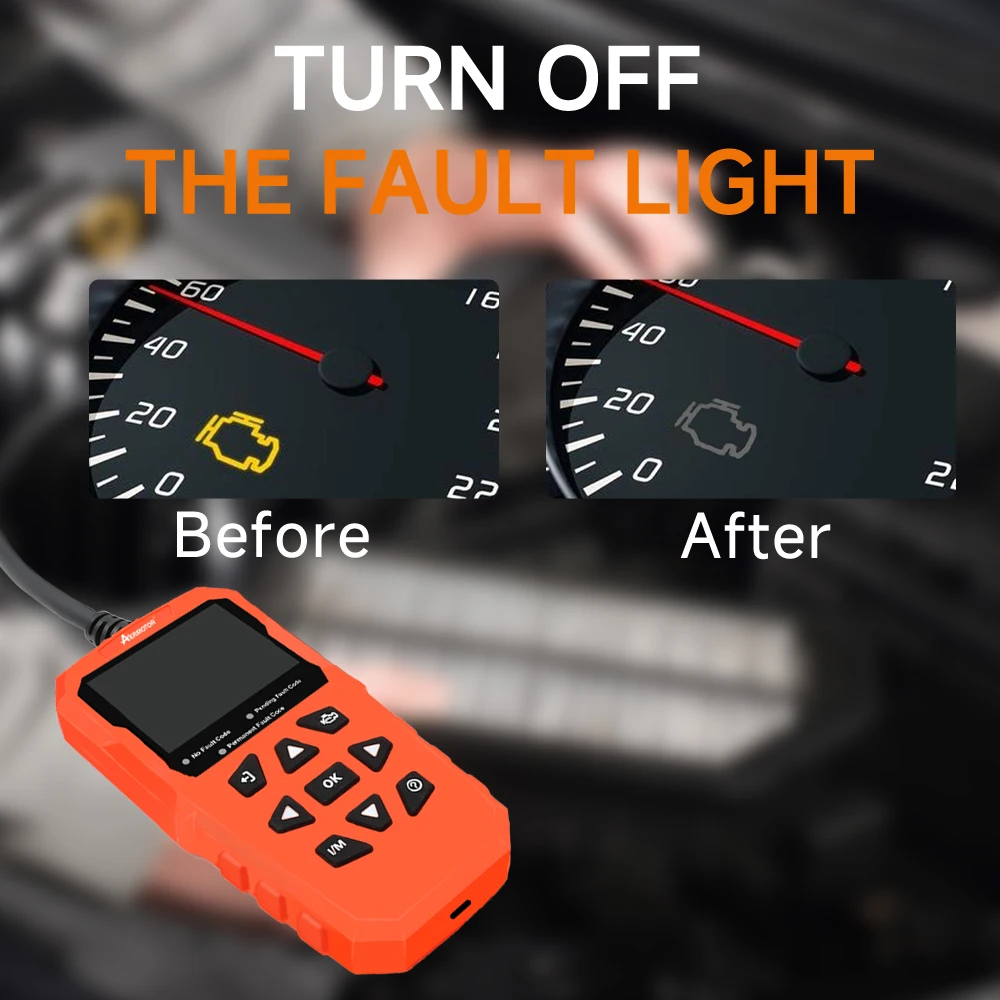
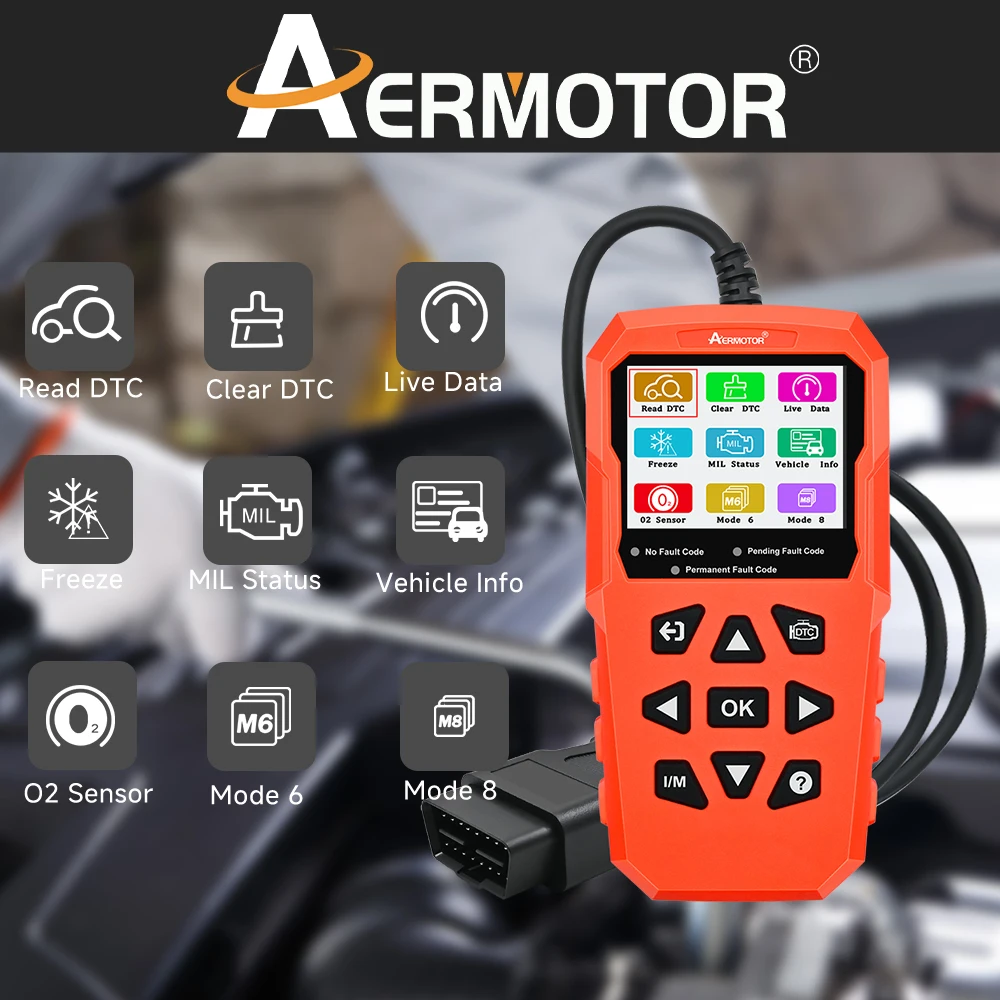
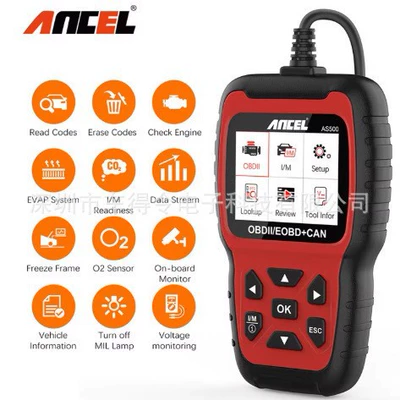
It is a new generation OBDll diagnostic tool tailored for the owner. Data Live,
Freeze Frame, Read DTC, Clear DTC, O2 Sensor Test, On-board Test(Mode 6),
Smog Check, I/M Readiness, EVAP Test(Mode 8), Vehicle Info, MIL Status, Battery
Test, Fuel Analysis, Performance Data, Engine Data, DTC Query, Data Review,
Printer, Settings are fully covered.
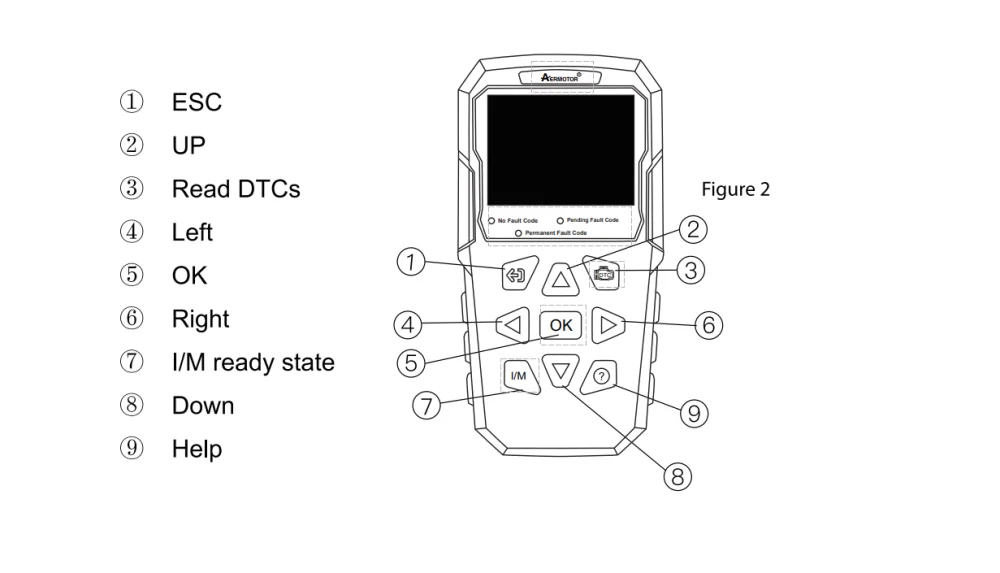
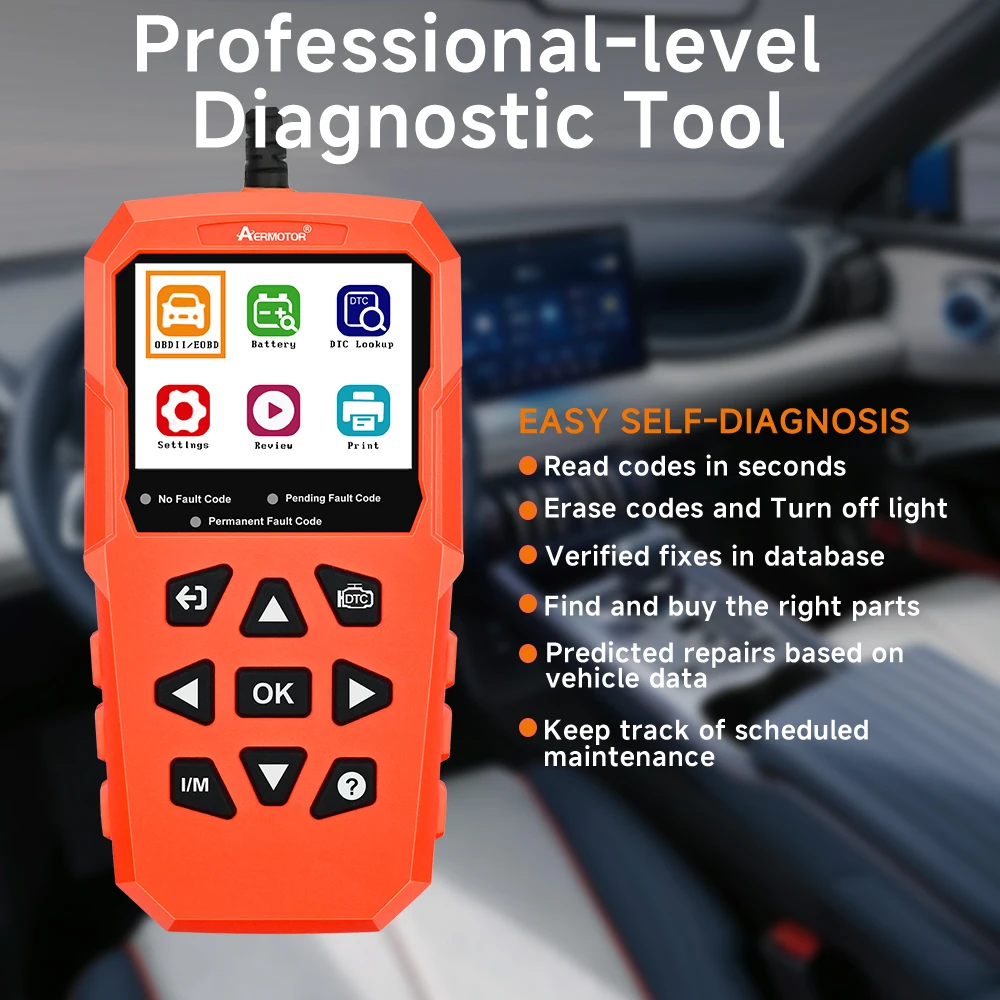
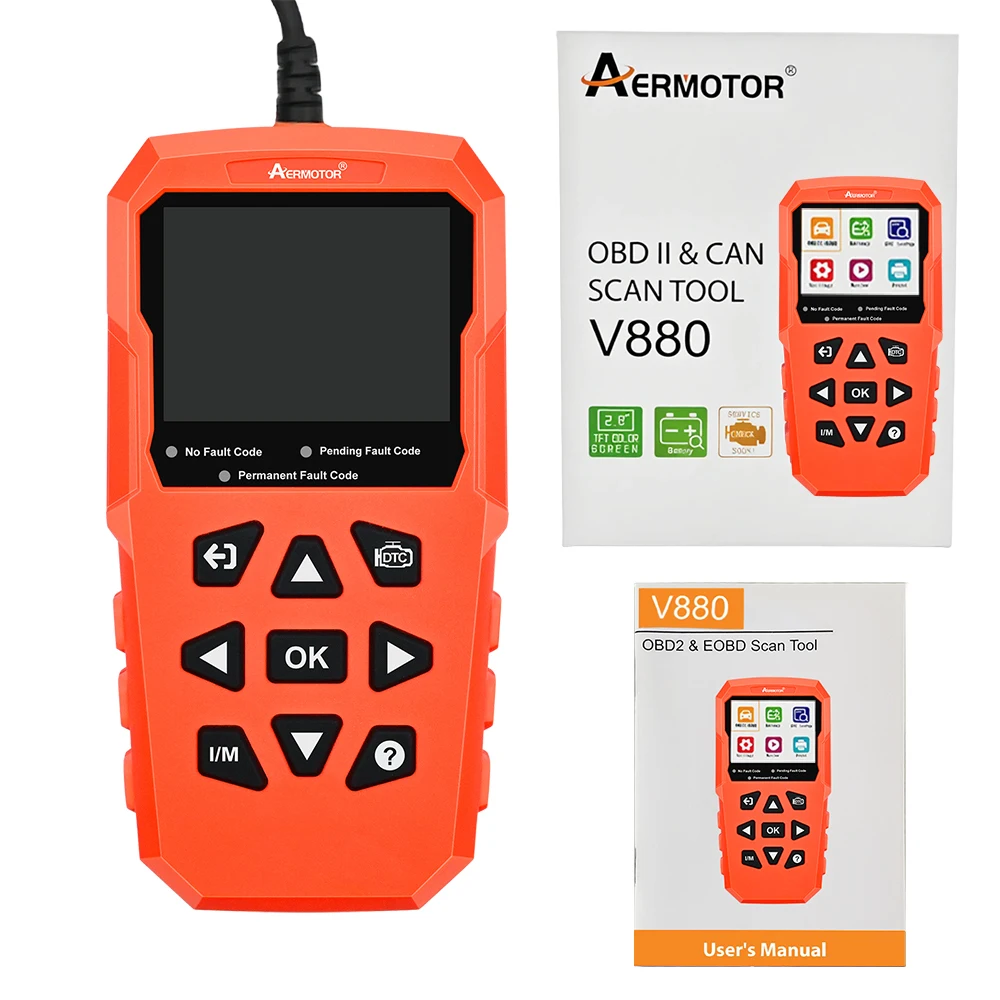
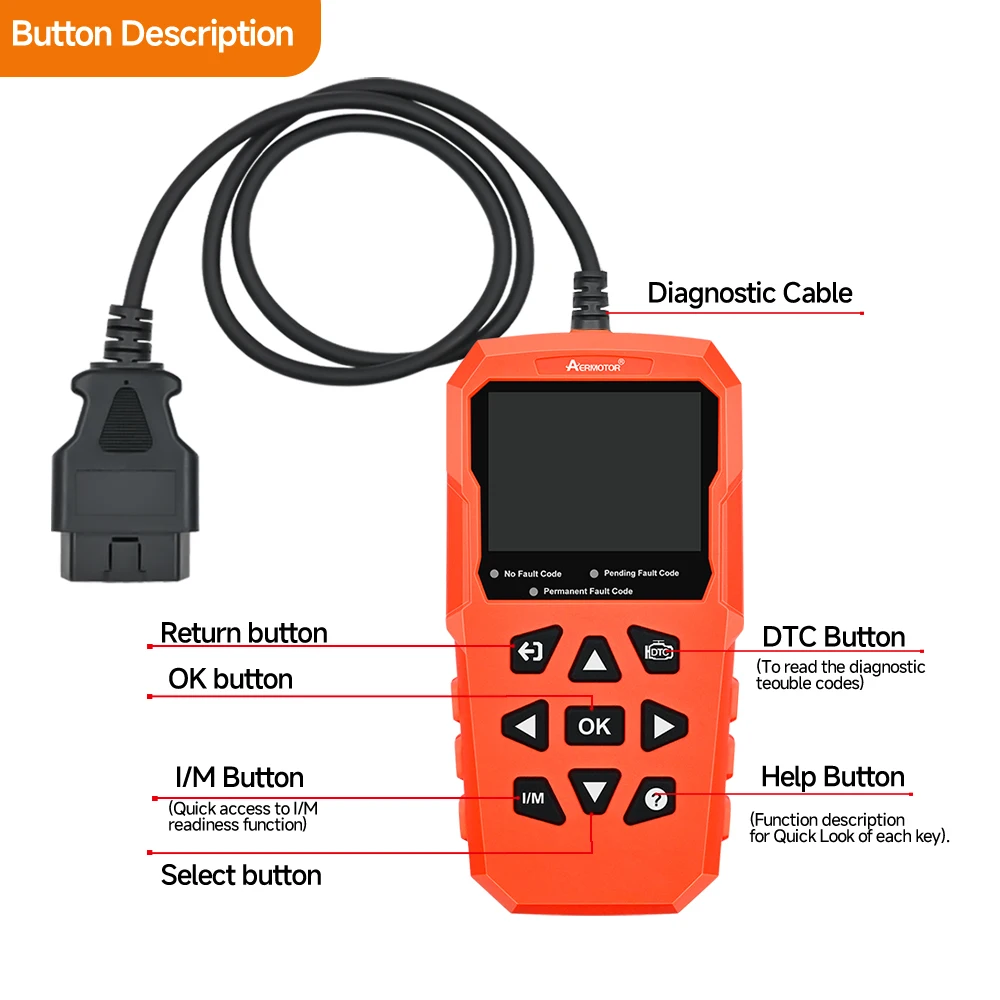
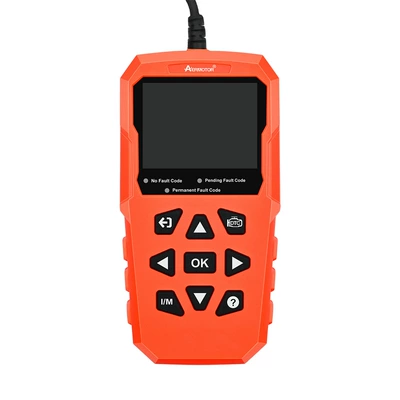
1.ESC Button: Returns to the previous screen.
2. Up Button: Moves up through menu and submenus. Moves to previous screen
if information covers more than one screen.
3. DTC button: One-key Read DTC operation. Read the car fault code quickly.
4. Left Button: Moves to previous screen if information covers more than
one screen.
5. OK Button: Conforms a selection from a menu.
6. Right Button: Moves to next screen if information covers more than
one screen.
7. I/M Button: One-key I/M Readiness operation.
8. Down Button: Moves down through menu and submenus. Moves to next screen
if information covers more than one screen.
9. Help Button: Quickly review the function description of each One-key.
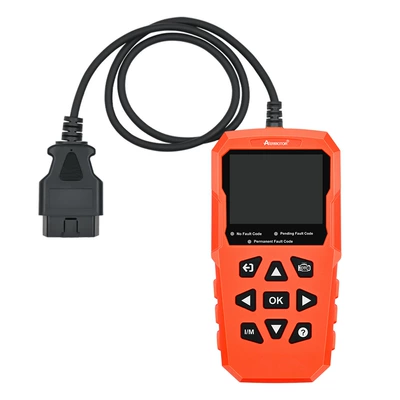
The scan tool is powered via the vehicle Data Link Connector (DLC).
Just follow the steps below to turn on the scan tool:
1.Connect the OBD Il Cable to scan tool.
2.Find DLC on vehicle.
3.Plug OBD Il cable to the vehicle's DLC.
4.Power up the scan tool, and wait for the Main Screen to appear.
System Setup:
The System Setup functions allow you to adjust default settings and view
information about the scan tool.
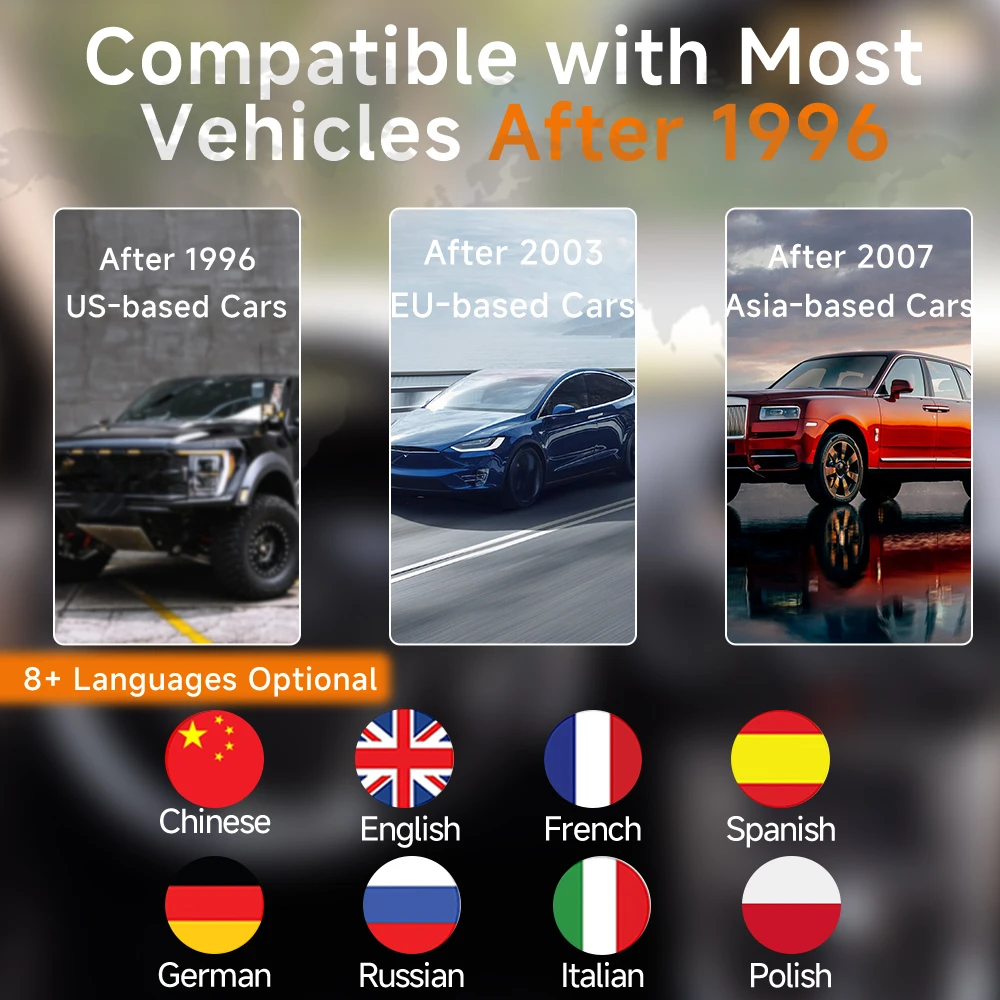
1.Language: You can choose eight languages from the followings:
Chinese, English, French, German,Spanish, Russian, Italian, Polish.
2.Unit of measure: Sets the unit of measure to English or Metric.
3.Beep Set: Turns on/off beep.
4.Key Test: Checks if the keyboard is working properly.
5.LCD Test: Checks if the LCD display is working properly.
6.Screen Test: Checks if the screen is working properly.